
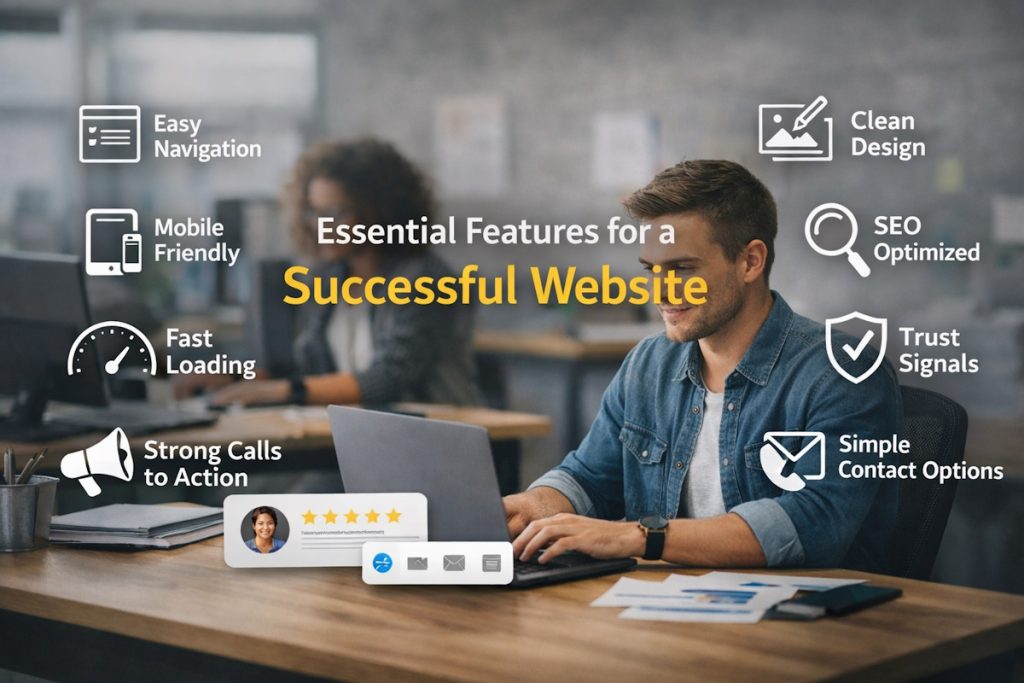
If your website isn’t pulling its weight, it’s not just a missed opportunity—it’s a problem. Think about how people behave online. The moment a site feels slow, cluttered, or confusing, most folks hit the back button. No second chances. Your site needs to show up, load fast, and give people exactly what they came for—without making them think too hard.
Let’s walk through ten essential features that separate average websites from the ones that actually work. Whether you’re planning a rebuild, tweaking your existing site, or starting from scratch, this guide will help you focus on what truly matters.
1. Clear, Straightforward Navigation
If users can’t find what they’re looking for in a few seconds, they’ll leave. Navigation menus should be simple, well-organized, and intuitive. Avoid cute or cryptic names—stick with labels people recognize. “About,” “Services,” “Contact”—they work for a reason.
Mega menus? Drop-downs? Sure, they’re useful for bigger sites. But don’t overcomplicate it. Keep the main paths easy to see and even easier to follow.
2. Mobile-Friendly Design (Not Optional Anymore)
This one’s non-negotiable. A huge chunk of web traffic now comes from phones. If your site doesn’t adjust well to smaller screens, you’re instantly losing visitors. And it’s not just about layout. Buttons should be tappable. Text needs to be readable. Images shouldn’t take forever to load.
When planning a new build or revamp, go responsive from the start. Not sure where to begin? This website redesign guide is a great resource that walks you through what to prioritize during a redesign, especially when addressing mobile usability issues.
3. Fast Load Times
Speed isn’t just a bonus—it’s expected. A slow website doesn’t just frustrate users; it also drags down your search rankings.
Images too big? Scripts piling up? Poor hosting? These can kill your site speed. Tools like Google PageSpeed Insights can flag what’s slowing you down. Clean up your code, compress images, and pick a hosting provider that’s actually decent.
This also ties back into your site’s performance on mobile. Smaller screens and slower connections demand faster load times.
Also read: How AI is Reshaping the Way Developers Build Software?
4. Straight-to-the-Point Messaging
People don’t read websites. They scan them. You’ve got a few seconds—maybe less—to explain who you are and why they should care.
Your homepage should answer three questions immediately:
- What do you do?
- Who’s it for?
- What’s the next step?
Avoid fluffy mission statements and long paragraphs. Keep your copy short, punchy, and clear. Use headlines and subheadings to guide people along.
5. Calls-to-Action That Actually Work
Every page should encourage a next step. Whether it’s contacting you, downloading something, signing up, or buying—make it obvious what the user should do.
Don’t overthink CTAs. “Get a quote,” “Book a call,” “Try it free”—these work better than clever lines that make people pause.
And don’t bury your CTAs at the bottom. Place them strategically throughout the page so users don’t need to scroll forever to take action.
6. Professional, Clean Visual Design
You don’t need flashy animations or crazy colors. What you do need is a design that builds trust. That means a consistent color scheme, readable fonts, balanced whitespace, and a layout that doesn’t feel like it’s trying too hard.
A messy or outdated design screams “we don’t care.” That’s not the message you want to send.
Want a real impact? Invest in good UI and UX. And if you’re short on in-house talent, you can always hire UI/UX designers who actually know what they’re doing. Trust me, a good designer can make the difference between a site that looks “okay” and one that makes users want to stick around.
7. Search Function (Especially for Content-Rich Sites)
If your site has a lot of pages, a good search bar is gold. Think blogs, eCommerce sites, or resource libraries—nobody wants to click through five menus just to find one article or product.
Keep the search bar visible. Make sure it works. Bonus points if it includes filters or auto-suggestions to make searching faster and more accurate.
8. SEO Basics Built-In
You don’t need to master SEO, but your site should support it. That means:
- Customizable page titles and meta descriptions
- Alt tags for images
- Clean URLs
- XML sitemap
- Proper use of headings (H1, H2, etc.)
And don’t ignore technical stuff like proper schema markup or mobile indexing. If your platform or developer isn’t handling this, you’ll fall behind in search results—simple as that.
Speaking of SEO, people often ask about the website design cost when thinking of building or redesigning a site that ticks all these boxes. It’s a fair question. A detailed look at the website design cost can help you plan better, especially if you’re weighing custom development vs. templated solutions.
9. Real Trust-Building Elements
This one’s underrated. Trust isn’t just about nice words—it’s about showing proof. That can mean:
- Client logos
- Testimonials
- Case results
- Certifications
- Media mentions
Don’t tuck these away. Put them where people can see them—on the homepage, on service pages, or even in your footer. Social proof works because it gives visitors that “okay, these folks seem legit” feeling.
10. Easy, Visible Contact Options
People shouldn’t have to hunt for your phone number or email. Put your contact info in your header or footer. Add a contact form that actually works. And if you have a physical location, embed a map.
Want bonus points? Use live chat (real or chatbot) to help users while they’re still on your site. But only if you can support it—nothing’s worse than a chat that says “we’ll be back later” every time.
Want Your Website to Actually Work? Start With the Basics.
These ten features aren’t trends. They’re fundamentals. And yeah, it’s tempting to get caught up in flashy visuals or some new tech feature, but most of the time, it’s the simple stuff that moves the needle.
A high-performing website isn’t just about looking good. It’s about working well—for your users and for your business. If your current site is missing any of these, don’t wait to fix it.
Not sure where to begin? That website redesign guide linked earlier is a good place to start. Or maybe it’s time to talk to someone who can build it right the first time.
Either way, you’ve got options. Just don’t settle for a site that looks pretty but fails to deliver.