
Minecraft Vibrant Visuals on Android is one of the most important visual features for Bedrock Edition players who want better lighting, deeper shadows, reflective water, richer fog, and a more modern look without installing third-party shader packs.
What is Vibrant Visuals in Minecraft Bedrock?
After installing a fresh Minecraft PE version from MCPE Planet, players can check whether their Android device supports Vibrant Visuals, enable the new graphics mode, test performance, and fix the most common problems connected with lag, missing settings, unstable FPS, overheating, and black squares on the screen.
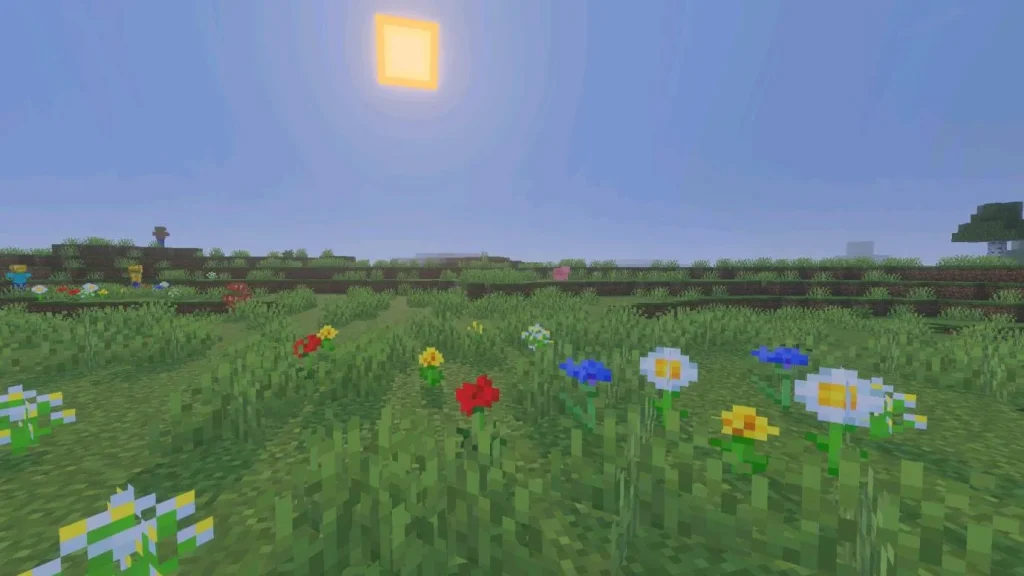
Vibrant Visuals is Minecraft’s official graphics refresh for Bedrock Edition. It adds a modern rendering pipeline with improved light, shadows, reflections, atmospheric fog, enhanced textures, and better environmental mood. The game keeps its blocky Minecraft identity, but the world becomes more expressive because light and materials react more naturally.
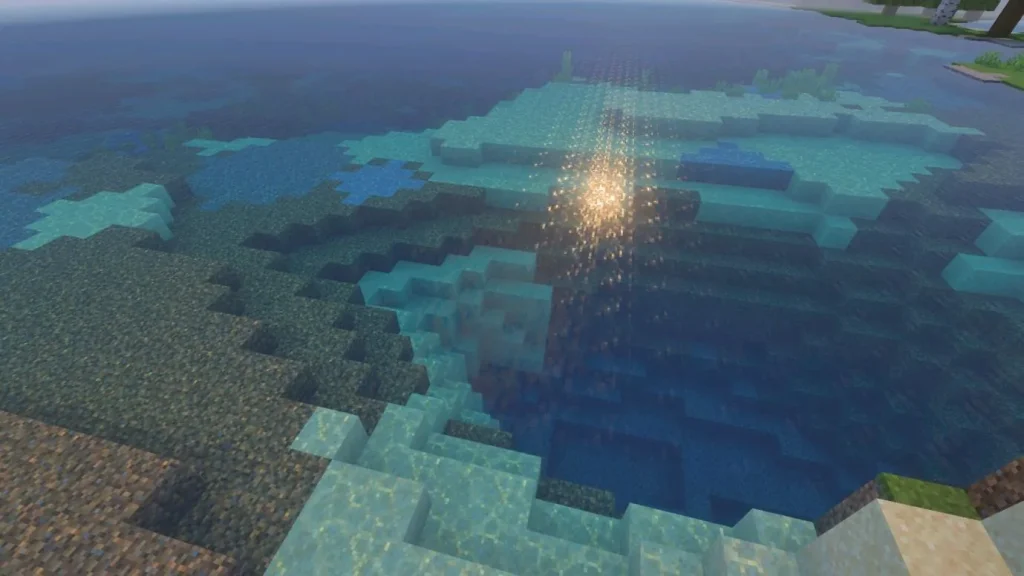
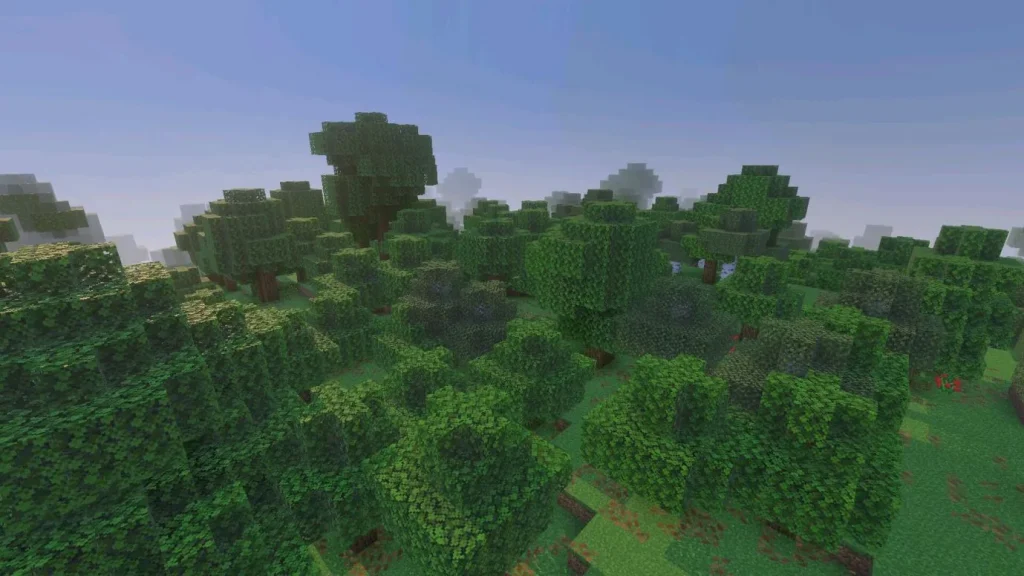
The biggest difference is visible in places where lighting matters. Sunrise looks warmer, forests have deeper shade, caves feel darker and more atmospheric, water reflects the environment, and metallic or glowing materials can look more detailed.
| Topic | What It Means on Android | Best Action |
|---|---|---|
| Graphics Mode | Controls whether Minecraft uses Simple, Fancy, or Vibrant Visuals rendering. | Choose Vibrant Visuals only if the device supports it and performance stays stable. |
| Favor Performance | A preset designed to reduce visual load while keeping the new lighting style. | Use it first on mid-range phones or if FPS drops quickly. |
| Render Distance | Controls how far the world is drawn around the player. | Lower it if caves, forests, Realms, or large builds start lagging. |
| Black Squares | A visual bug that affected certain Android devices with Vibrant Visuals enabled. | Update Minecraft, restart the device, and switch graphics modes if artifacts remain. |
| Overheating | Heat can reduce FPS after several minutes even if the game starts smoothly. | Reduce settings, close background apps, and avoid charging while testing performance. |
How to Enable Vibrant Visuals on Android
Vibrant Visuals is not available on every Android phone. Mojang lists Android support for devices with Adreno 640, Mali-G68, Mali-G77, Xclipse 530, or higher. In simple terms, the phone needs a strong enough GPU for the new graphics pipeline. If your device is older or uses a weaker chip, the setting may not appear, may be unavailable, or may run poorly even if the game launches.
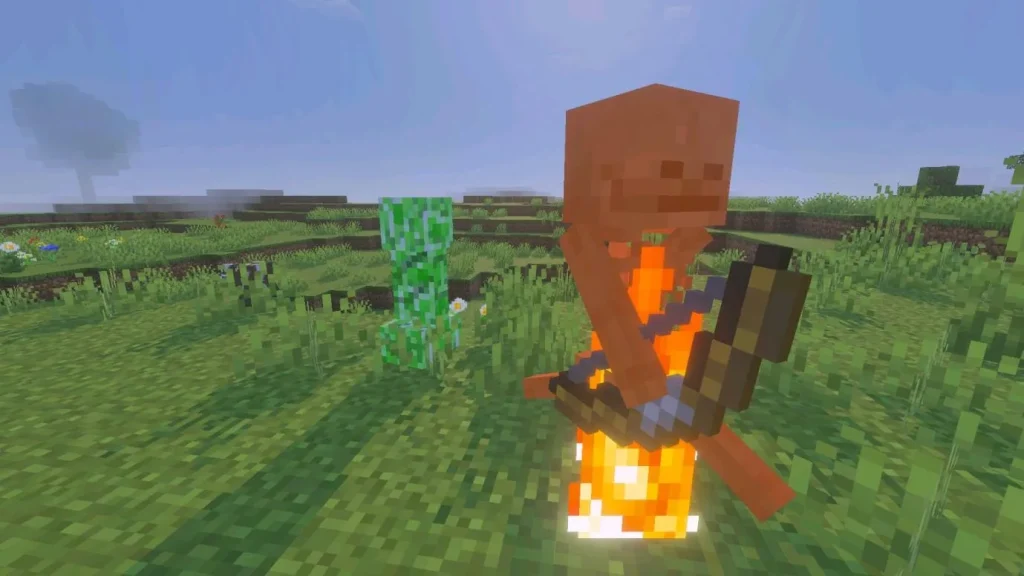
On compatible Bedrock devices, the feature can be selected from the Video settings. Some builds may show Vibrant Visuals as a default mode on supported hardware, while others may require manual selection. If the option is missing, the most likely reasons are an unsupported GPU, an outdated game version, a platform rollout delay, or a temporary compatibility restriction.
- Open Minecraft Bedrock Edition on your Android device.
- Go to Settings from the main menu or pause menu.
- Open the Video section.
- Find the Graphics Mode drop-down menu.
- Select Vibrant Visuals if the option is available.
- Open Vibrant Visuals Options and start with Favor Performance on weaker phones.
- Enter a world and test FPS in forests, caves, water areas, villages, and large builds.
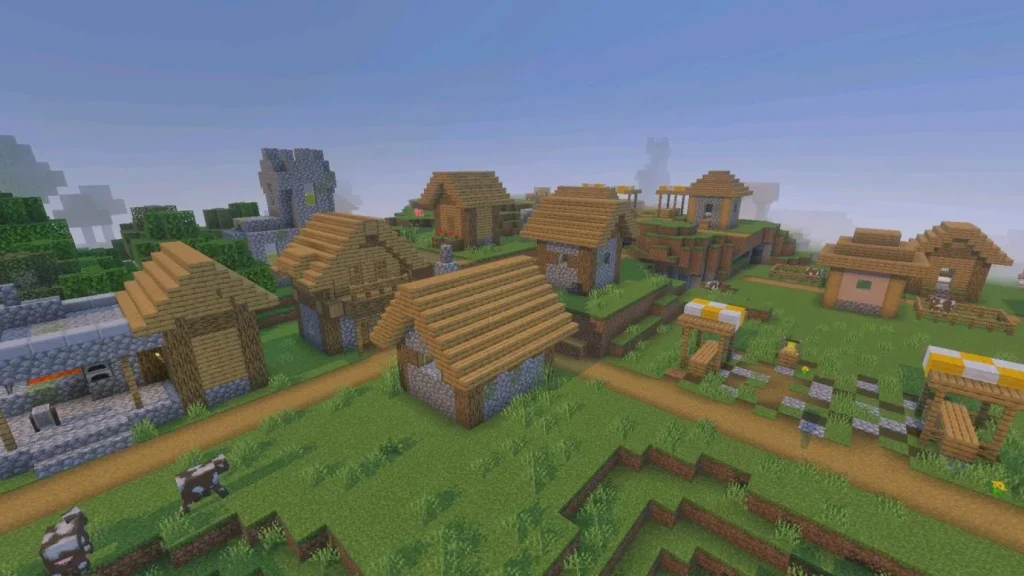
Do not judge performance from the main menu only. Vibrant Visuals becomes heavier when the game has to render moving shadows, water, fog, particles, mobs, builds, and long views at the same time. A world may feel smooth near spawn but start lagging in a dense jungle, underground cave, Realms base, or addon-heavy map.
Best Android Settings to Fix Lag
Lag with Vibrant Visuals usually comes from extra GPU load. Reflective water, fog, shadows, lighting, and longer render distance require more resources, so Android players may notice FPS drops, hotter device temperature, faster battery drain, or stutter while chunks load.
The best solution is to start with safer settings and increase quality only after testing performance in real gameplay. Mid-range phones should use the performance preset first, especially in forests, caves, villages, large bases, and Realms worlds.
- Use Favor Performance before trying Vibrant Visuals.
- Lower render distance if FPS drops in open areas or large builds.
- Close background apps, screen recorders, and overlays before playing.
- Avoid heavy texture packs while testing Vibrant Visuals.
- Restart Minecraft after changing graphics mode.
- Keep the phone cool and avoid charging if the device overheats.
Render distance usually gives the biggest performance boost. In Vibrant Visuals mode, every visible chunk includes extra lighting, shadows, fog, water effects, and texture data.
How to Remove Black Squares in Vibrant Visuals
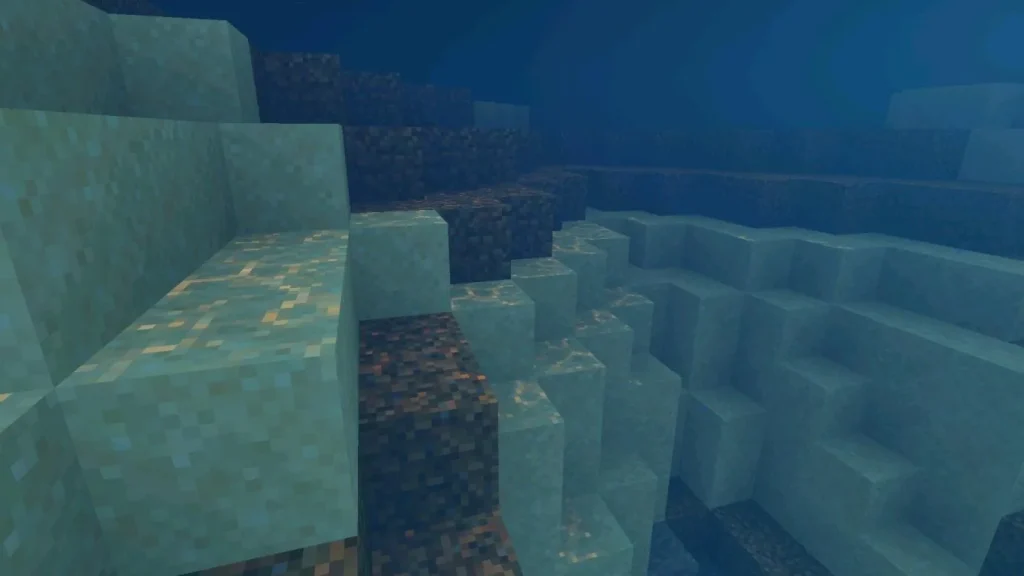
Black squares are a known visual problem that affected certain Android devices with Vibrant Visuals enabled. The issue can cover parts of the screen, but it does not mean the world is corrupted. Mojang addressed this problem in an Android and Realms hotfix, so updating Minecraft should be the first step.
If black squares appear, install the latest Bedrock version, fully close Minecraft, reopen the game, and switch Graphics Mode away from Vibrant Visuals. Then apply the change and enable Vibrant Visuals again to reload the rendering mode.
Step-by-step fix for black squares
If the issue remains, create a clean test world without texture packs, shaders, addons, or marketplace content. If Vibrant Visuals works correctly there, the problem may be caused by a pack conflict in the main world.
If black squares still appear after updating and testing a clean world, use Fancy or Simple graphics mode for now. This keeps the game playable while Mojang continues improving Vibrant Visuals support across Android devices.
FAQ
How do I enable Vibrant Visuals in Minecraft on Android?
Open Minecraft, go to Settings, choose Video, find Graphics Mode, and select Vibrant Visuals. If the option is missing, your Android device may not support the feature, or you may need a newer Minecraft Bedrock version.
Why is Vibrant Visuals not showing on my phone?
The most common reason is unsupported hardware. Mojang lists Android support for Adreno 640, Mali-G68, Mali-G77, Xclipse 530, or higher. The option may also be missing because of rollout timing, an outdated version, or temporary build restrictions.
How can I fix lag with Vibrant Visuals on Android?
Use Favor Performance, lower render distance, close background apps, remove heavy texture packs, restart Minecraft after changing graphics modes, and keep the phone cool. If performance is still poor, switch back to Fancy or Simple mode.
How do I remove black squares in Vibrant Visuals?
Update Minecraft to the newest Android build, restart the game, switch graphics mode away from Vibrant Visuals, then enable it again. If black squares remain, test a clean world without packs or use Fancy graphics until the fix reaches your device.
Does Vibrant Visuals Work on Realms?
Yes. Vibrant Visuals can be used locally while playing on Realms, and players without the feature can still join the same world. The graphics mode does not change gameplay mechanics or world data.