
Since we’re in a place in which technology is more advanced than ever before, graphic design software is also more versatile than it has ever been previously. While many designers still enjoy having the basics, such as sketchpads and craft boards, up-to-date software is required to set yourself up for success in the world of graphic design.
Despite this, there are so many graphic design software types on the market, meaning it can be tricky to decide which software is right for you. To that end, listed below are some of the top graphic design software on the market.
Corel Vector
Unfortunately, graphic design software is expensive, and this plays a huge role in which one works for you. To that avail, Corel Vector is the best vector software available for those on a budget. Previously, the software was called Gravit Designer; however, it has since undergone a shift and is available for $69.99 per year.
The software boasts an intuitive and clean interface, which facilitates it in dealing with a wide array of design jobs. These jobs include animation, vector illustration, prototyping, icon design, and more. Similarly, your work can be accessed anywhere that has an internet connection.
CorelDRAW

Prior to Adobe Illustrator, CorelDRAW was the market leader for vector design, and some of its legacy users still prefer it to this day. While it may no longer be the most popular solution on the market, it has still undergone expansion. For instance, the software is now available in three formats, including CorelDRAW Essentials, CorelDRAW Standard, and the professional-grade CorelDRAW Graphics Suite. While Essentials and Standard versions are geared towards amateur enthusiasts, occasional users and hobbyists, the Graphics Suite remains the flagship arsenal for professional designers, now featuring integrated AI-powered design tools.
Furthermore, CorelDRAW Graphics Suite is primarily marketed as a subscription-based service to ensure users receive the latest cloud-based features and frequent updates. However, a one-time purchase is still periodically offered for specific annual versions, such as the 2025 or 2026 releases, though these versions lack the subscriber-only cloud assets and web-based editing tools. Many creative communities, including Buzzcube and the CorelDRAW Community frequently discuss updates like these to help designers choose the right version for their needs.
Sketch
When it comes to creating icons, prototyping, and UI design, Sketch is the go-to software. While it doesn’t have the depth of Affinity Designer or Adobe Illustrator, it has the vast majority of necessary tools for UI design. Similarly, it has a reduced interface, which makes it easier to use.
As a result, Sketch isn’t necessarily a fully featured vector design system; more accurately, it’s a great software to get started with and learn from. Additionally, though, there is a large library of plugins available, allowing you to reap the benefits of a number of features.
Affinity Designer
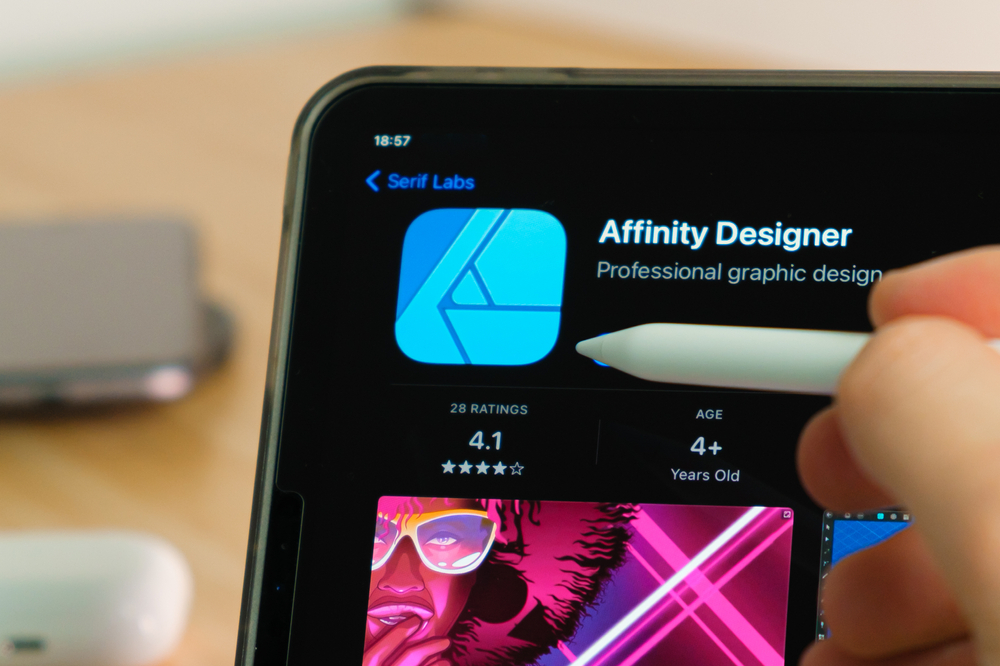
Instead of significant monthly or annual costs, Affinity Designer is available for a one-off purchase. It’s for this reason that Affinity Designer is sometimes the preferred choice to Adobe Illustrator. Similarly, some tools are provided that aren’t even offered in Adobe Illustrator, meaning some designers actually prefer the software as a whole. For instance, Affinity Designer provides one million percent-plus zoom and infinite redos; this is on top of being significantly quicker than the alternative. Meanwhile, the compatibility of the software is sufficient, meaning you don’t need to worry about the software being used by colleagues.
Adobe Illustrator
Last but certainly not least is Adobe Illustrator, which is widely regarded as the best graphic design software on the market. This is due to the regular updates that keep it ahead of the competition, placing it as the industry standard. Essentially, Illustrator provides you with complete creative freedom; however, the software can be tricky to navigate, to begin with. Once you’re familiar, though, the user experience is certainly a positive one. The only downside is that the software requires a monthly subscription of $20.99 per month for individuals, which can seem a little steep in the initial stages.