
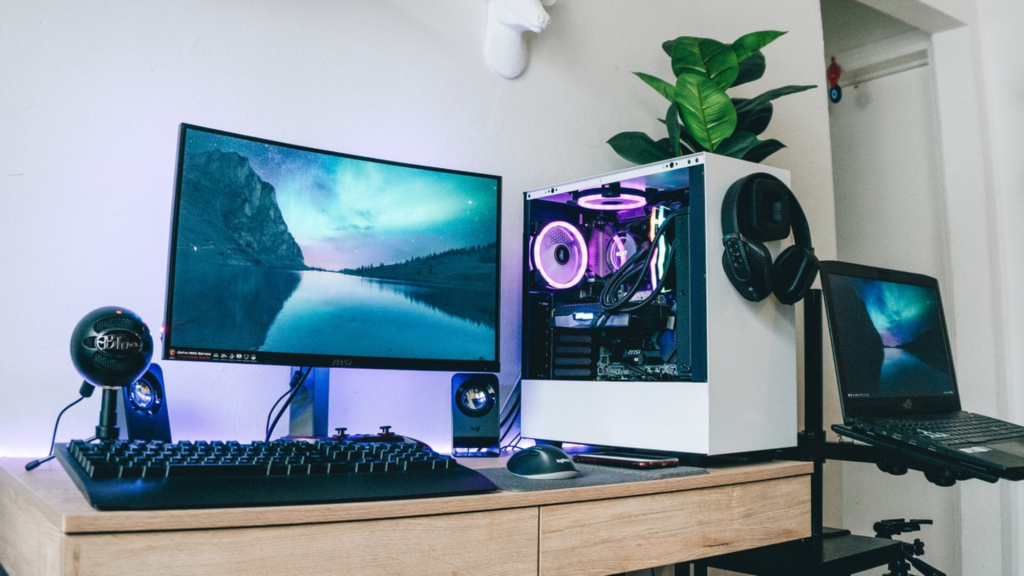
Working on a slow PC can be very stressful. You can get stuck in the booting process for minutes, and you can’t enjoy gaming if your computer has slowed down.
In this case, your PC is desperately requesting upgrades, specifically, an upgrade to its hardware that is slowing it down. And no, you do not need to buy an entirely new system. Upgrading some hardware can easily fix your PC’s slow performance.
Read on to find simple hardware upgrades that will improve your PC’s performance, and you can then have a smoother experience whenever you use it.
Upgrading Over Replacing
You might be wondering why not just buy a new setup instead of upgrading the hardware. The simplest catch to this is the money saving. Upgrading a few hardware devices is far cheaper than buying a whole new setup, which will include all the hardware being updated, not just the required ones.
Plus, by upgrading only the outdated hardware, you can reduce electronic waste. And also increase your PC’s lifespan instead of discarding it, which makes this process eco-friendly.
Best Hardware Upgrades for PC
A breakdown of simple PC upgrades that will improve your PC’s speed and performance instantly is listed down:
1. Solid-State Drive
The initial upgrade you can make is by switching from the old HDD (Hard Disk Drive) to an SSD. Where HDDs rely on old mechanical moving parts, SSDs use flash memory and are much more compatible and faster than HDDs by a huge margin. For anyone looking to boost speed and efficiency, it makes sense to buy SSD hard drive options since they can read and write at faster speeds, reduce boot and application load times, and enable faster file transfers.
Types of SSDs
- SATA SSD: These are great for older systems and affordable.
- NVMe SSD: These are the best SSD for gaming PC.
2. RAM
Random Access Memory (RAM) is your system memory, and that’s where all your data is stored temporarily. Increase the RAM to improve computer performance so that your PC does not have to rely on a slower hard drive as virtual memory. It causes lag and, in turn, slows down your PC.
When Do You Need More RAM
- Games/apps/software take too long to load.
- The system slows down while multitasking.
3. Graphics Card (GPU)
You should upgrade your GPU if you are a gamer or video editor, and your PC has started lagging. It will solve your speed issue, as a good GPU increases FPS and reduces render times.
The Right GPU Choices
- For Gaming: AMD RX 6600 or NVIDIA GeForce RTX 3060.
- For Content Creation: GPUs with high VRAM of 8GB or more.
4. A Faster CPU (Processor)
The Central Processing Unit is the brain of your PC, handling all the instructions going around in the system. If your processor is weak, no other hardware upgrades would matter. So, when you suspect slower performance in your PC, check your CPU first.
Signs of a Weak CPU
- Applications take a long time to load.
- The system lags when multitasking.
- Games show low FPS even after a strong GPU.
5. Improve Cooling
The performance of your CPU or GPU can be altered by overheating. It is a sign for you to upgrade your cooling system.
Options to Improve Cooling
- Air Cooling: It is the affordable option.
- Liquid Cooling: It is suitable for overclocking issues.
6. Power Supply (PSU)
Upgrading your power supply becomes necessary when you add new hardware to your system. Low-quality power supply can damage your hardware. It might also slow down your PC.
Budget-Based Upgrade Options
Set a budget for how much you should upgrade. Focus on your requirements to avoid overspending. Here are some budget-based upgrade options:
Budget Under $100
Invest in an SSD upgrade only if you are on a tight budget. A 240 GB SATA SSD alone can make a huge difference. If you already own an SSD, then use this budget to increase your RAM to at least 8 GB. For extra storage, you can also buy hard drive options that fit within this budget.
Budget Around $300
In this budget, you can easily upgrade your SSD and increase your RAM together. Get a SATA SSD, along with at least 16 GB of RAM, to make the PC faster. This would be enough for multitasking and gaming. And if your setup already has an adequate SSD and RAM, consider buying a mid-range GPU to enhance your gaming experience and video editing skills with better visuals.
Budget Over $500
You can replace your GPU, upgrade your CPU, and even get an NVMe SSD, with an increased budget. A better cooling system can also be added, along with a reliable PSU, to speed up your PC’s performance. For large storage capacity, this is also the right budget range to buy hard drive upgrades.
Additional Tips for Boosting PC Speed
If there is not much need to buy a new hardware device, or your budget doesn’t allow for such upgrades, here are some simple tips for you to boost speed:
- Clean your PC regularly. This will prevent the dust from settling in, which will avoid overheating and maintain performance.
- You can replace the thermal paste on the CPU. Use a better one to improve heat transfer. This way, the temperature won’t rise to alarming levels.
- Enable XMP in the BIOS. This will make the memory run at its desired speed without jeopardizing the overall performance.
- Remove any programs or files that are of no use to you to free up space.
- Restart your PC daily. This will help in clearing out temporary files and refreshing your system’s memory.
Conclusion
You are not always required to buy a new system when your PC starts facing speed issues. Instead, you can enhance the speed with hardware upgrades like an SSD, more RAM, or a better GPU.
These upgrades will make your computer run faster, and you will save money too. This will increase your PC’s lifespan while avoiding the wastage of hardware.
So, find out what hardware of yours needs upgrading, also keeping a check on the budget you can bear. Start upgrading, and that’s how you make your PC run faster with simple hardware upgrades.