
I accidentally lost important files from my computer without any backup. Is there any reliable free data recovery software that can help me restore deleted files?
Sudden deletion of any important file on your Windows PC can be frustrating, especially if you don’t have its backup. Fortunately, several free data recovery software solutions are available that can help you recover deleted files in Windows quickly and effectively. These recovery tools vary in features, and choosing the right one for your data recovery needs can be challenging.
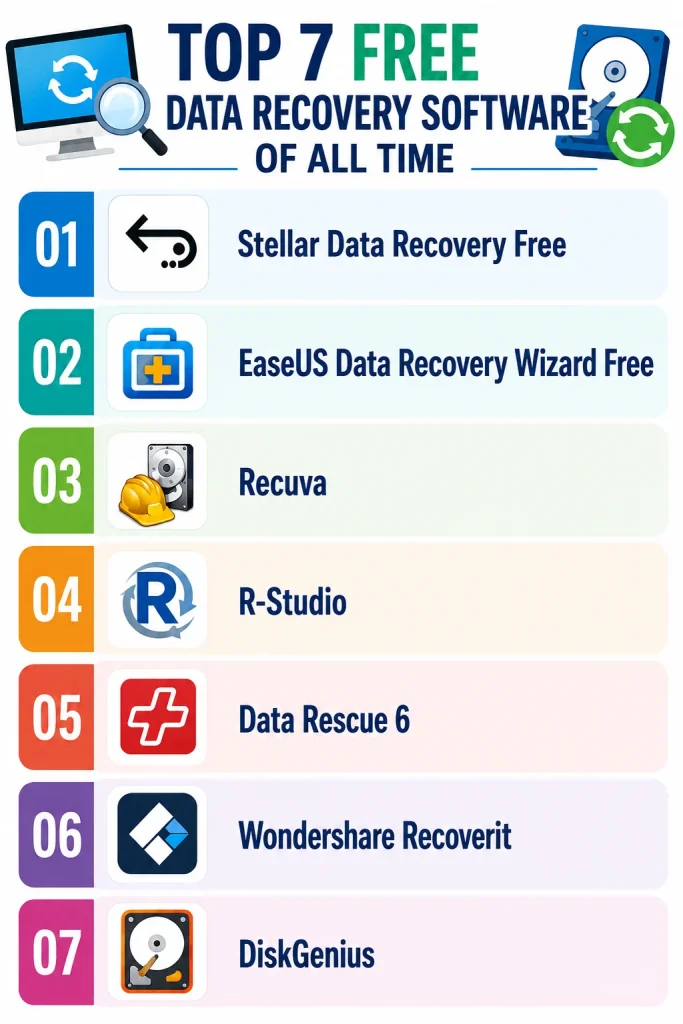
To make the selection easier, we’ll explore the top 7 free data recovery software tools based on usability, recovery performance, supported devices, and free recovery limits. Let’s get started!
01: Stellar Data Recovery Free
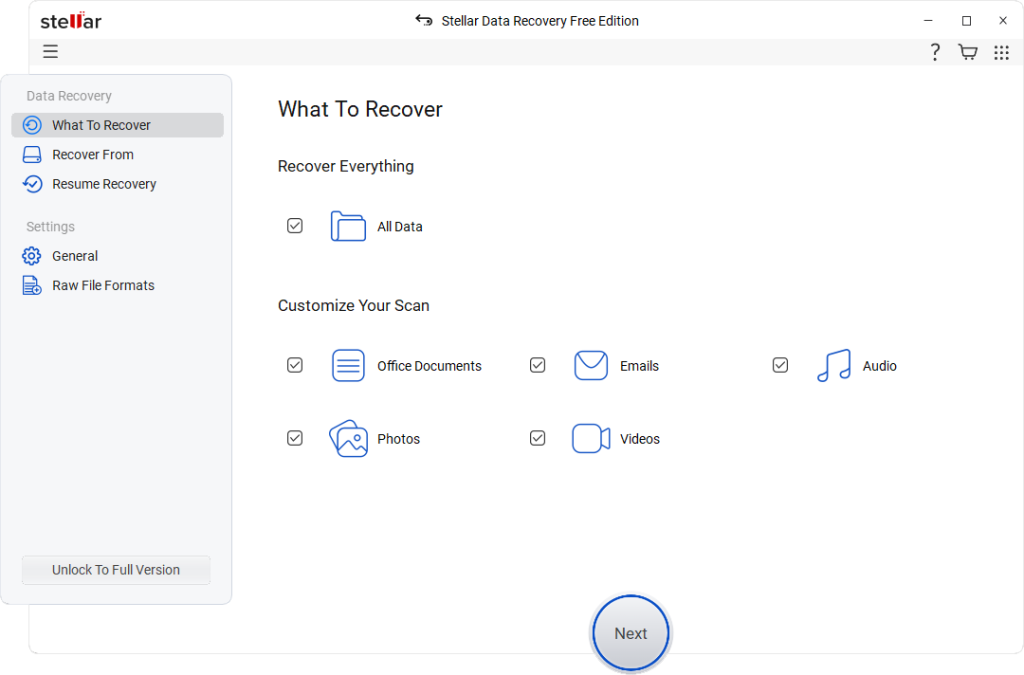
Stellar Data Recovery Free is a versatile and powerful free data recovery software that you can use to restore files deleted from SD cards, hard drives, and many other internal and external storage devices. You can use this software to restore deleted files of various types, including photos, videos, documents, emails, and archives with ease. The software comes with both Quick Scan and Deep Scan modes to improve recovery chances in different data loss situations.
Whether your files are deleted due to accidental deletion, formatting, partition loss, corruption, or any other reason, the Stellar Data Recovery Free software supports data recovery in every case. This software is also known for its preview feature, which lets you verify recoverable files before restoring them.
Key Features:
- The free version supports recovery of up to 1 GB of files without any cost, which is suitable for basic personal recovery requirements.
- Supports Quick Scan and Deep Scan modes for recovering data from deleted, formatted, corrupted, or inaccessible storage drives.
- Supports recovery from BitLocker-encrypted drives, RAW partitions, and formatted storage devices with improved scanning and recovery algorithms.
- Compatible with Windows and macOS systems, supporting major file systems including NTFS, FAT32, exFAT, APFS, and HFS+ drives.
02: EaseUS Data Recovery Wizard Free
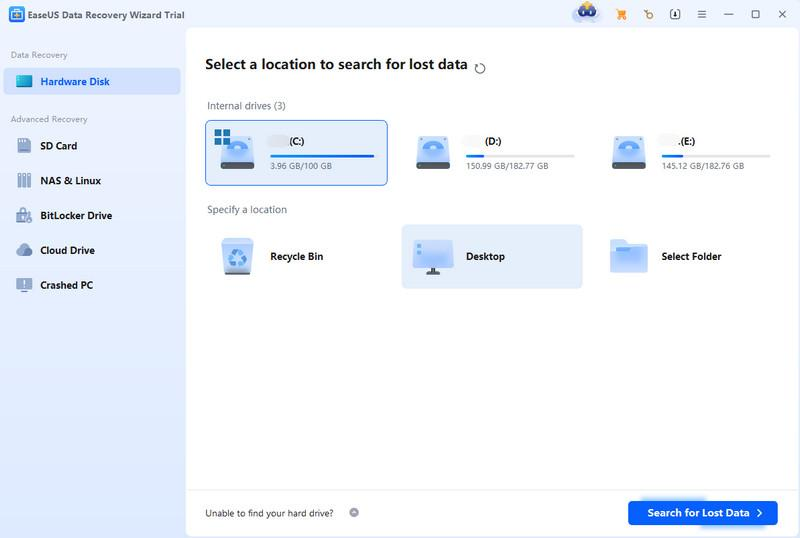
EaseUS Data Recovery Wizard Free is a popular and beginner-friendly free data recovery software designed to recover deleted, formatted, or lost files. The software is compatible with both Windows and macOS devices, and is known for its simple interface and efficient recovery performance. You can use this software to restore files that were accidentally deleted or lost due to formatting, partition loss, system crashes, or virus attacks.
EaseUS offers both Quick Scan and Deep Scan modes to improve recovery results in different data loss situations. The software also includes a preview feature that lets users view recoverable files before restoring them. Another feature which makes this free data recovery software best is its simple, smooth three-step recovery process, making it suitable even for non-technical users.
Key Features:
- Recovers deleted documents, photos, videos, emails, and multimedia files from HDDs, SSDs, USB drives, and memory cards efficiently.
- Perform Quick Scan and Deep Scan modes to improve recovery performance for recently deleted and permanently lost files.
- Features an easy three-step recovery process, making data recovery simple and convenient even for beginners and non-technical users.
03: Recuva
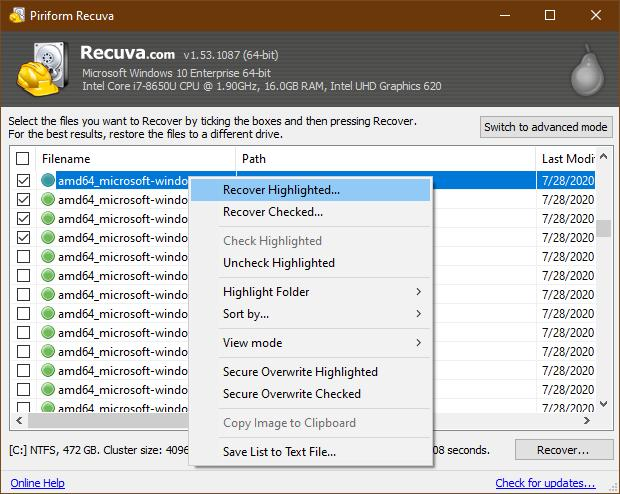
For Windows users, Recuva remains one of the best completely free data recovery software tools. This software can perform both Quick scan and Deep scan to find your recoverable files from various storage devices, including SD cards, hard drives, USB drives, etc. One of the major advantages of this software is its completely free recovery functionality with no major recovery size restrictions. Although it lacks some advanced features available in premium tools, Recuva remains an excellent free option for basic recovery tasks.
Key Features:
- Recovers deleted photos, videos, documents, emails, and multimedia files from several internal or external storage devices.
- Supports recovery from damaged, unreadable, or accidentally formatted storage devices with improved scanning and file detection capabilities.
- Features a lightweight and beginner-friendly interface with a Quick-Start Wizard for guiding users through simple step-by-step recovery processes.
04: R-Studio
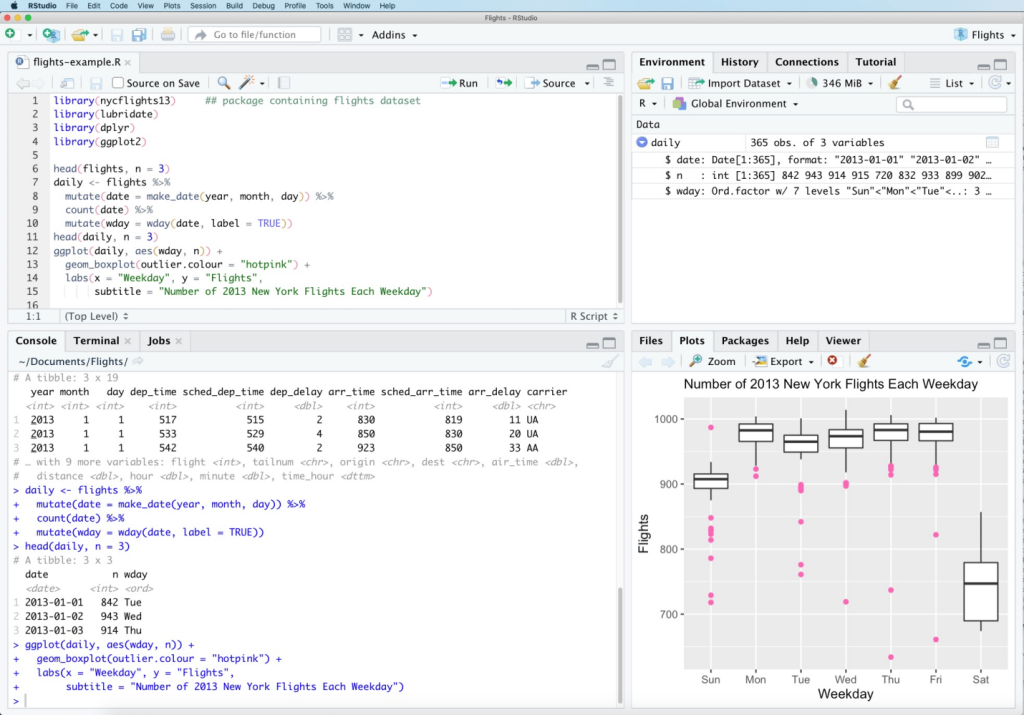
R-Studio is a powerful and advanced data recovery software designed to recover deleted, formatted, corrupted, or inaccessible data from HDDs, SSDs, RAID arrays, USB drives, memory cards, and network storage devices. The software is compatible with Windows, macOS, and Linux systems, making it a versatile recovery solution for different environments. It is also known for its advanced recovery algorithms and deep scanning capabilities. It supports various file systems, including NTFS, FAT, exFAT, APFS, HFS+, Ext2/3/4, and more.
Key Features:
- Provides deep scanning and RAID reconstruction capabilities that can help you to restore data from damaged partitions and complex storage configurations.
- Supports remote network recovery, allowing you to recover data from connected systems without physically accessing storage devices directly.
- Compatible with Windows, macOS, and Linux systems, making it ideal for professional recovery across different OS environments.
05: Data Rescue 6
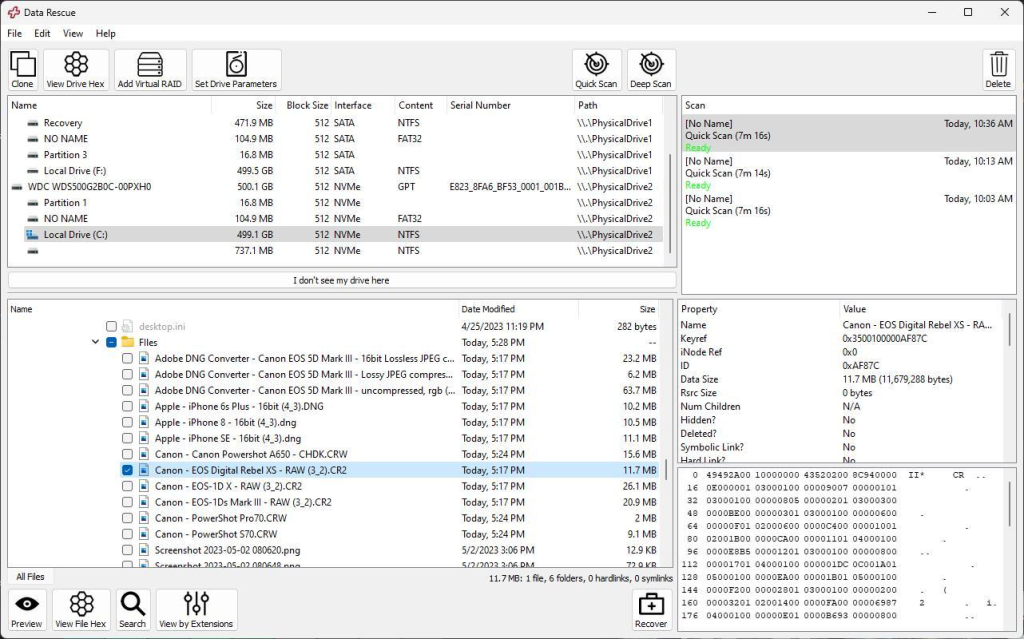
Next in our list of top 7 free data recovery software tools is Data Rescue 6. It is an advanced data recovery software popular among professionals and advanced users because of its strong recovery algorithms and disk management tools. You can use this software to restore files deleted from damaged or accidentally formatted storage devices.
The Data Rescue 6 software is known for amazing features, such as performing both Quick Scan and Deep Scan modes, which allow you to recover recently deleted files as well as deeply buried lost data. Although its interface may feel slightly technical for beginners, the software somehow provides excellent recovery performance for complex data loss situations.
Key Features:
- Recovers deleted, formatted, corrupted, or inaccessible files from HDDs, SSDs, RAID arrays, USB drives, and external storage devices.
- Compatible with NTFS, FAT32, exFAT, APFS, and HFS+ file systems across Windows and macOS environments seamlessly.
- Features FileIQ technology that learns custom file signatures for recovering unsupported or uncommon file formats from damaged drives.
06: Wondershare Recoverit
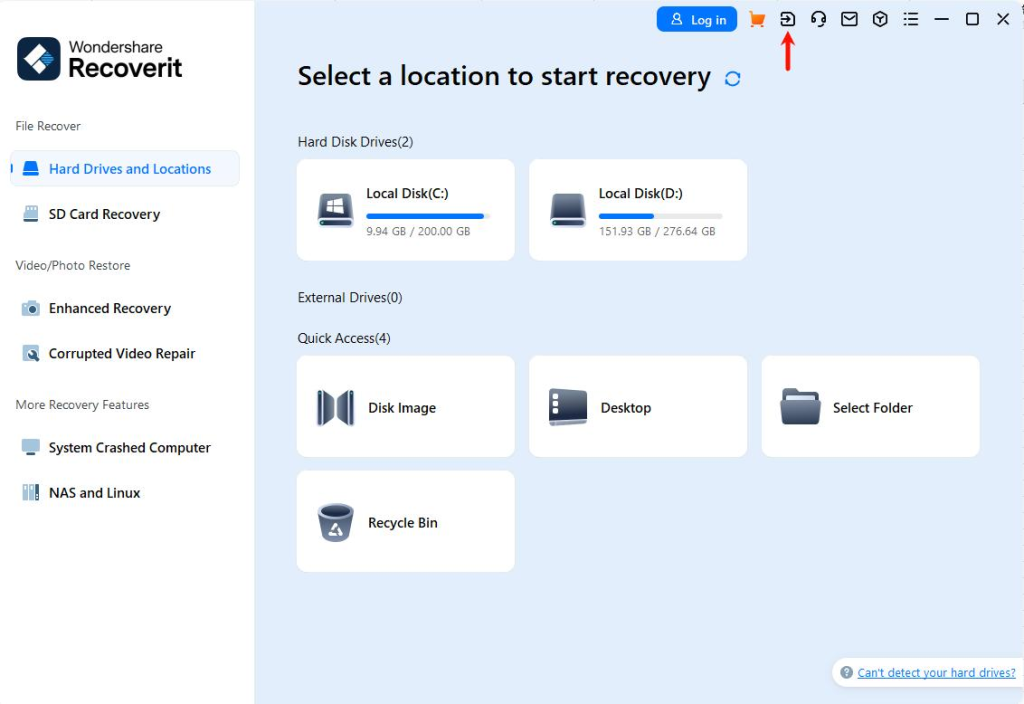
Wondershare Recoverit is a feature-rich free data recovery software designed to recover files deleted from both Windows and macOS systems. This software is quite popular among its users because of its modern interface, advanced scanning algorithms, and strong multimedia recovery capabilities. You can use this tool to restore deleted photos, videos, documents and other types of files from SD cards, RAID arrays, NAS storage, and even crashed systems.
The Wondershare Recoverit free recovery tool is known for its AI-powered enhanced photo and video recovery feature, which helps you to recover fragmented or damaged multimedia files more efficiently.
Key Features:
- Supports recovery from formatted drives, RAW partitions, crashed systems, virus attacks, accidental deletion, and corrupted storage devices successfully.
- It can easily recover deleted files of various file formats and also supports recovery from RAID arrays, NAS storage, digital cameras, and external devices.
- Includes AI-powered enhanced photo and video recovery for restoring fragmented, damaged, blurry, or deeply hidden multimedia files effectively.
07: DiskGenius
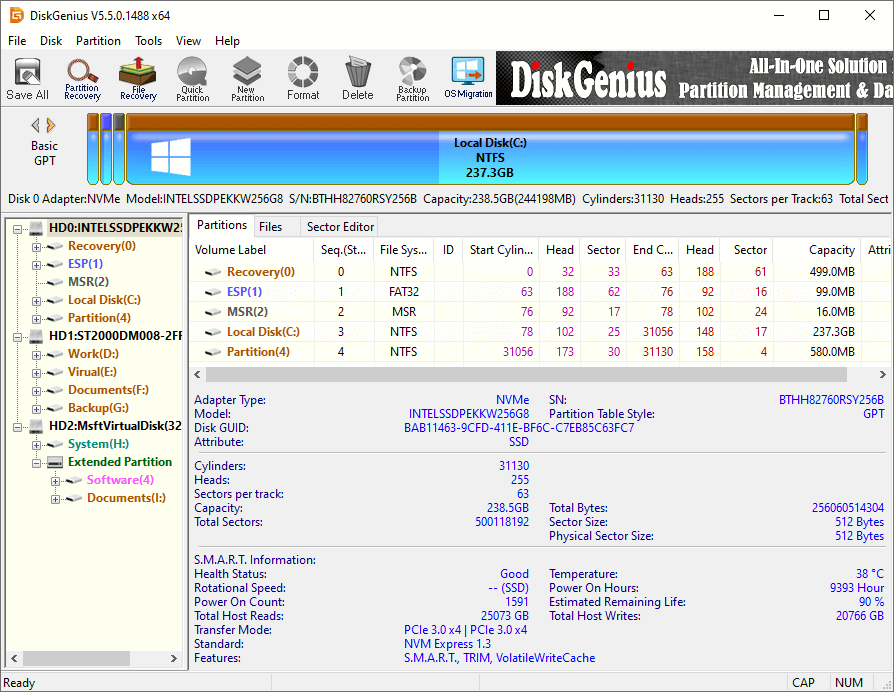
DiskGenius is a powerful free data recovery software which is also known for its disk management capabilities. The software combines advanced data recovery, partition management, disk cloning, backup, and disk repair features within a single platform. It supports recovery of deleted, formatted, corrupted, or inaccessible files from HDDs, SSDs, USB drives, SD cards, RAID arrays, and virtual disks. It also supports BitLocker recovery and lost partition recovery in complex data loss scenarios.
Although its interface may feel slightly technical for beginners, DiskGenius offers strong recovery performance and professional-grade disk utilities for complex recovery and storage management tasks.
Key Features
- Includes partition management tools for resizing, splitting, merging, formatting, cloning, and converting disks between GPT and MBR safely.
- Features disk health monitoring, bad sector repair, hexadecimal editing, and disk utilities for advanced storage maintenance and diagnostics.
- Provides disk cloning, system migration, backup, and byte-to-byte imaging features for protecting data during advanced recovery operations.
Conclusion
Data loss on your PC can happen any time, but there’s no need to worry. Whether you have backup or not, your lost data can be easily recovered using the aforementioned top 7 free data recovery software tools. Before you proceed with any of these tools, carefully check their features and then choose the one that best fits your needs. Moreover, you can consider tips like avoiding writing new data to the affected drive to avoid such data loss issues from your end. Also, always recover files to a different storage device for better safety and results.