
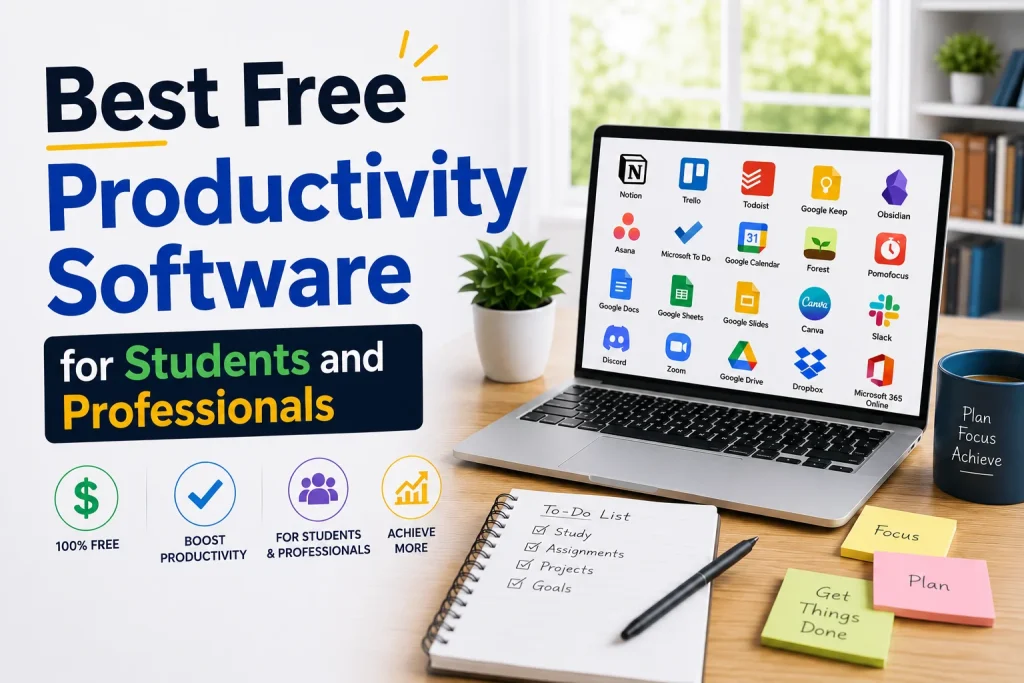
One of the most common challenges that students and professionals encounter is staying organized, managing time, and streamlining collaboration. Fortunately, there is no dearth of free productivity tools available to help. From keeping track of coursework and deadlines to executing major corporate projects, the right software can make all the difference. This extensive list breaks down the top free productivity programs by category, offering powerful ways to reduce your workload without breaking the bank.
Notion for Note-Taking and Organization
Notion has evolved into one of the most popular all-in-one workspaces on the market, and its free plan for individual users is remarkably generous. It is a highly flexible platform that seamlessly integrates note-taking, relational databases, task tracking, and corporate wikis into a single interface. Students can leverage it to organize class notes, build dynamic assignment trackers, and manage study schedules. Similarly, professionals use it to design robust project trackers, archive meeting minutes, and centralize company knowledge bases. While it features a steeper learning curve than traditional note apps, the time invested is well worth it given its unparalleled customizability.
Even in its free tier, Notion offers incredibly robust capabilities, including seamless web clipping, instant cross-device syncing, and powerful block-based formatting. While advanced enterprise teams might eventually outgrow the free limits, the baseline version provides everything an individual needs. It remains the ultimate choice for users who want to move past basic digital notebooks and build a fully customized productivity system.
Google Keep for Quick and Light Notes
Google Keep’s primary selling point is its elegant simplicity. It is perfectly suited for creating quick reminders, managing daily checklists, and capturing sudden ideas on the fly. Because it features a clean, intuitive user interface and integrates seamlessly with the broader Google Workspace ecosystem, it is an obvious, out-of-the-box choice for anyone heavily reliant on Gmail and Google Drive.
Obsidian for Advanced Personal Knowledge Management
For users who prefer a highly organized and interrelated approach to digital note-taking, Obsidian is an exceptional option. Designed to function as a personal knowledge graph, it enables you to link separate documents together, forming an intricate network of related concepts. This markdown-based architecture makes it incredibly beneficial for students managing deep academic research and professionals navigating large, complex enterprise projects.
Task and Project Management Tools
Trello:
Trello’s visual Kanban board system makes task management intuitive and highly engaging. The free tier offers up to 10 workspace boards, making it incredibly popular among students collaborating on group projects and professionals managing small teams. Its drag-and-drop interface ensures that users with zero technical background can effortlessly track progress from “To Do” to “Doing” and “Done.”
Todoist:
A sleek, minimalist task manager, Todoist is engineered to keep daily responsibilities perfectly organized. Its standout feature is natural language processing, which saves time by automatically scheduling tasks—typing “Report next Friday at 5 PM” instantly sets the due date. The robust free version also includes recurring tasks and essential project organization tools.
Asana:
Asana delivers advanced project management capabilities, making it ideal for cross-functional teams. The free plan supports up to 15 team members, making it a perfect fit for small corporate units or student groups managing multiple active projects. It includes list views, board views, and basic reporting functionalities out of the box.
Microsoft To Do:
Designed to seamlessly integrate with the broader Microsoft 365 ecosystem, Microsoft To Do automatically synchronizes with Outlook tasks while providing a clean, distraction-free interface. It is an exceptional choice for professionals and students who are already embedded in a Microsoft-driven workplace or digital classroom.
Time Management and Focus Tools
Google Calendar:
Google Calendar remains the gold standard for digital scheduling. It is completely free, yet it offers an array of powerful features, including multiple calendar overlays, automated event reminders, and seamless sharing capabilities. These features are vital for coordinating study groups, managing class schedules, or aligning cross-time-zone work meetings.
Forest:
Forest gamifies your deep-work routines. Users plant a virtual seed that grows into a mature tree if they remain focused within a specified window. However, if you close the application to browse distractions, the tree dies. This simple psychological loop works exceptionally well for establishing a consistent focus routine, particularly for students trying to curb phone addiction.
Pomofocus:
Built around the time-tested Pomodoro Technique, Pomofocus allows users to break their work into manageable, 25-minute hyper-focused sprints separated by 5-minute restorative breaks. This free, web-based tool provides a scientifically validated framework to enhance daily cognitive endurance and prevent occupational burnout.
RescueTime:
RescueTime provides excellent background tracking to monitor how you utilize your desktop hours. Delivering automated insights into your digital habits, it serves as an eye-opening first step toward reclaiming wasted time and optimizing your daily productivity.
Document Creation and Design Tools
Google Workspace (Docs, Sheets, Slides):
Google’s cloud suite continues to be the industry benchmark for free collaboration. The ability for multiple users to co-edit a document in real time, leave inline comments, and track comprehensive version history is essential for managing group reports, team projects, and shared presentations seamlessly.
Microsoft 365 Online (Word, Excel, PowerPoint):
Microsoft offers completely free, web-based editions of its staple productivity software—Word, Excel, and PowerPoint. While these browser versions are slightly scaled down compared to their heavy-duty desktop counterparts, they still provide an immense array of features for standard professional needs and sync natively with OneDrive.
Canva:
Canva has evolved from a simple graphic design tool into a comprehensive content creation platform. It offers an exhaustive library of free templates for presentations, professional resumes, infographics, and engaging social media assets (like TikTok videos and Instagram stories). Its intuitive, drag-and-drop interface allows users with zero formal design background to leverage thousands of free layouts and stock assets effortlessly.
Communication and Collaboration Tools
Slack:
Slack remains a premier solution for team collaboration and digital communities, offering structured topic channels, direct messaging, and basic app integrations. While the free tier applies limits to search history and integration caps, it remains more than adequate for smaller startup teams and student groups.
Discord:
Originally engineered for the gaming community, Discord has evolved into a powerhouse for academic study groups and professional organizations. Its low-latency voice channels, seamless screen sharing, and highly organized text servers make it an exceptionally powerful, free environment for real-time collaboration.
Zoom:
Zoom remains a staple for virtual video conferencing, though its free tier enforces a strict 40-minute limit on all meetings, including both group calls and one-on-one sessions. Despite this time constraint, its widespread adoption and rock-solid connection quality make it a reliable choice for short, structured meetings.
Cloud Storage and File Management Tools
Google Drive:
As a powerhouse for digital asset management, Google Drive offers a generous 15GB of free cloud storage, which is shared across Gmail, Google Photos, and Drive. Its native integration with the Google Workspace ecosystem provides a seamless, friction-free environment for both educators and students to store and co-edit documents, spreadsheets, and presentations.
Dropbox:
While the free tier of Dropbox is considerably limited—offering a modest 2GB of storage space—it remains an excellent utility for backing up critical documents. It serves as a highly reliable alternative for real-time file sharing and collaboration, particularly when working with teammates who operate outside the Google ecosystem.
Choosing the Right Productivity Stack
No single software application can solve every operational bottleneck. When it comes to maximizing productivity, the ideal solution is almost always a customized stack of complementary tools rather than a single platform trying to do everything. A highly effective foundational framework includes:
- A Note-Taking Hub (Notion or Obsidian): To capture concepts, research, and centralized knowledge bases.
- A Dedicated Task Manager (Todoist or Trello): To track action items and map out daily workflows.
- A Scheduling Engine (Google Calendar): To manage deadlines and time blocks.
- A Collaboration Suite (Google Workspace): To co-edit documents and manage shared assets.
When designing your personal workflow, prioritize tools that align with your natural thinking habits. Visual organizers, for instance, typically favor Kanban systems like Trello over the structured, hierarchical databases found in Notion or Asana. Similarly, while a student managing multiple classes might thrive using a simple blend of Google Calendar and Todoist, a professional steering cross-functional workplace campaigns will require the robust reporting architecture of Asana or the real-time communication channels of Slack.
Final Thoughts
The digital productivity market has evolved significantly, completely dismantling the financial barriers that once blocked users from premium software. Today, the robust free tiers of applications like Notion, Trello, Google Workspace, and Todoist deliver advanced capabilities that were previously restricted to paid corporate subscriptions.
Ultimately, the goal is not to find a single flawless platform, but rather to discover the precise combination of tools that seamlessly integrates into your existing routine. Experiment with different options, find what aligns with your workflow, and never hesitate to pivot if a specific app fails to meet your needs. By leveraging the right ecosystem of free productivity software, both students and professionals can operate more efficiently, stay structured, and eliminate digital clutter from their daily operations.