
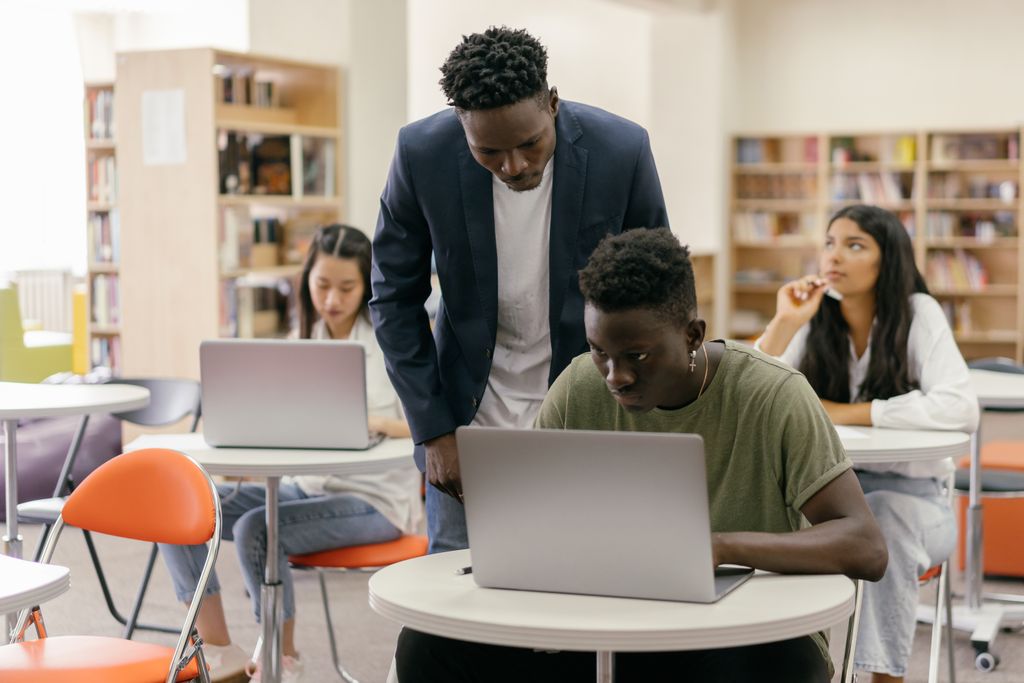
For busy parents, classroom teachers, and school leaders supporting middle school students and high school students, school technology integration has shifted learning from occasional computer time to an always-connected routine. That access creates real opportunity, research, collaboration, creativity, while also introducing online safety challenges that rarely stay contained to a single class period. The core tension is clear: students are expected to use digital tools confidently, yet many are still learning how to judge sources, manage attention, protect privacy, and treat others well online. Digital literacy education turns those daily moments into skills, so responsible technology use becomes part of how students learn and live.
Understanding Digital Literacy in School
Digital literacy is more than knowing how to use apps and devices. It includes building responsible technology habits, staying alert to online safety risks, thinking critically about what you see and share, and communicating clearly in digital spaces. In short, it is digital citizenship practiced through everyday school tasks.
These skills shape how students learn, work with others, and protect themselves. Strong habits reduce distractions, lower the chance of privacy mistakes, and help students spot misinformation before it spreads. Clear online communication also prevents small conflicts from becoming bigger problems.
Picture a student researching for a history presentation. They compare sources, check dates and authors, and avoid copying text without credit. They also choose what to post in a group chat and keep personal details out of shared documents.
Build a Multimedia Presentation That Teaches Real Digital Communication
Once students understand what digital literacy includes, a multimedia presentation project makes those skills visible in a single, shareable product. In a collaborative presentation, students blend research with storytelling: they gather and vet information, then decide what each slide needs to communicate and who will build it. Visuals and audio help them shape meaning, not just decorate, charts can clarify findings, images can set context, and recorded narration or sound clips can reinforce key points. When students need original graphics, a text-to-image tool like the Adobe Firefly AI image generator lets them create AI images from written descriptions and refine results by adjusting style, lighting, color, mood, composition, and even reference images to better match their message.
A Simple Rhythm for Building Digital Competence
Digital skills stick when students practice them in a predictable cycle, not as one-off lessons. This workflow helps schools move students from guided habits to independent judgment, while keeping safety, quality, and collaboration in view.
| Stage | Action | Goal |
|---|---|---|
| Set the focus | Choose one skill target and a clear product. | Students know what good work looks like. |
| Model and try | Demonstrate tools, then practice in short guided tasks. | Core moves feel familiar and safe. |
| Investigate wisely | Search, verify, and track sources with simple criteria. | Information is credible and traceable. |
| Create together | Assign roles, build drafts, and combine pieces into one project. | Collaboration is organized and productive. |
| Review and protect | Check accuracy, tone, accessibility, and privacy before sharing. | Work is responsible and ready to publish. |
| Reflect and adjust | Debrief what worked, then set one improvement for next time. | Skills improve each cycle. |
This sequence works because each phase feeds the next: planning guides practice, practice supports research, and research strengthens creation. Review keeps students safe and thoughtful, while reflection turns every project into a clearer starting point.
Digital Skills at School: Common Parent Questions
Q: How do schools keep students safe online without blocking everything?
A: Schools typically teach “safe moves” students can repeat, like using privacy settings, reporting messages, and checking links before clicking. They also set clear rules for chats, comments, and sharing so students know what crosses the line. Ask what reporting steps students should use in class and at home.
Q: What should I expect when my child runs into misinformation for a project?
A: Good programs treat it as a teachable moment and require students to verify claims with multiple sources, dates, and author credentials. Teachers often use simple checklists so students can explain why a source is trustworthy. You can reinforce this by asking, “What evidence supports that?”
Q: How do teachers balance screen time with real learning?
A: Screen time is most productive when it is tied to a specific purpose, like drafting, research, or collaboration, with frequent off-screen breaks. Look for lessons that alternate device work with discussion, note-taking, or hands-on planning.
Q: Can digital lessons stay engaging without turning into entertainment?
A: Yes, engagement comes from meaningful choices and visible progress, not constant novelty. Short challenges, student roles, and clear rubrics keep energy up while still building discipline.
Q: What about student privacy and school apps collecting data?
A: Privacy should be part of instruction and policy, including what can be shared, where work is published, and how accounts are managed. The Family Educational Rights and Privacy Act sets protections for student education records, and schools can explain how classroom tools fit within those expectations.
Building Confident, Safe Digital Citizens Through Everyday Schoolwork
Students are expected to research, share, and collaborate online, yet the risks of misinformation, oversharing, and distraction are real. Digital literacy education answers that tension by treating technology as a learnable skill set, with clear norms for safety, credibility, and responsibility built into daily learning. When schools prioritize digital empowerment in schools and families reinforce expectations, students gain the judgment and confidence that make them future-ready learners. Digital literacy turns everyday screen time into safe, purposeful learning.